In the age of social media, Twitter stands out as one of the most influential platforms for real-time updates and engaging conversations. Whether you’re an individual, a business, or a brand, understanding your Twitter metrics is crucial for measuring your online presence. To help with this, a powerful Twitter tool has emerged, enabling users to effortlessly track their follower count, following, and tweets + retweets count.
The tool allows you to view your follower count in real-time. It provides an accurate and up-to-date count of how many people are following your Twitter account. This metric is essential for measuring your reach and influence, as well as tracking the growth of your audience over time.
What is Function and feature of Twitter Data Count tool
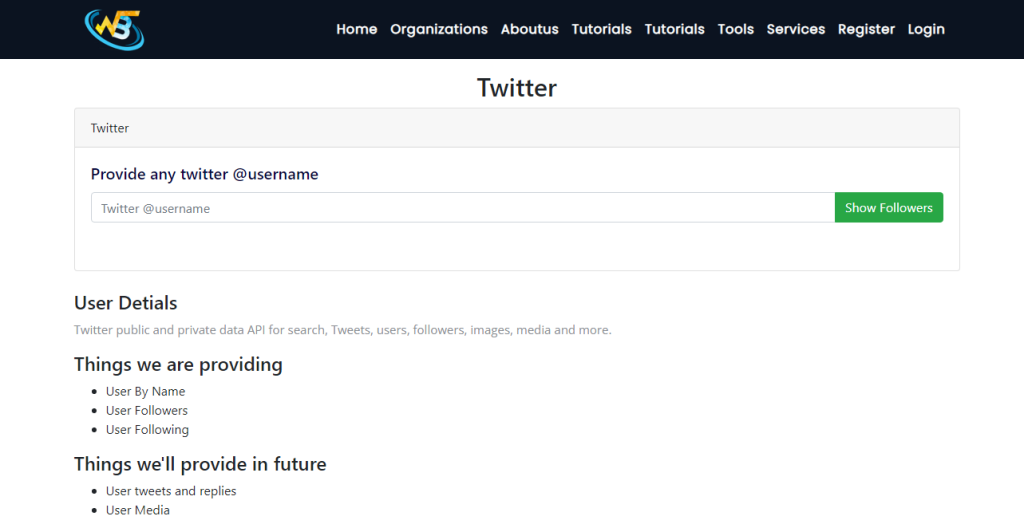
The Twitter Data Count tool is a functionality or feature provided by certain Twitter analytics platforms or tools that allows users to retrieve and analyze various data counts related to their Twitter account. It provides valuable insights into the performance and engagement of a user’s Twitter activity.
Open your web browser and go to the website for “WizBrand Tools.” Once you are on the Twitter Data Count Tool page, locate the section or input field where you can paste your Twitter ID. After pasting your ID, Click the button for Show the Data. The tool will then retrieve the data on your ID and display the results on the page, providing you with the relevant information you were seeking
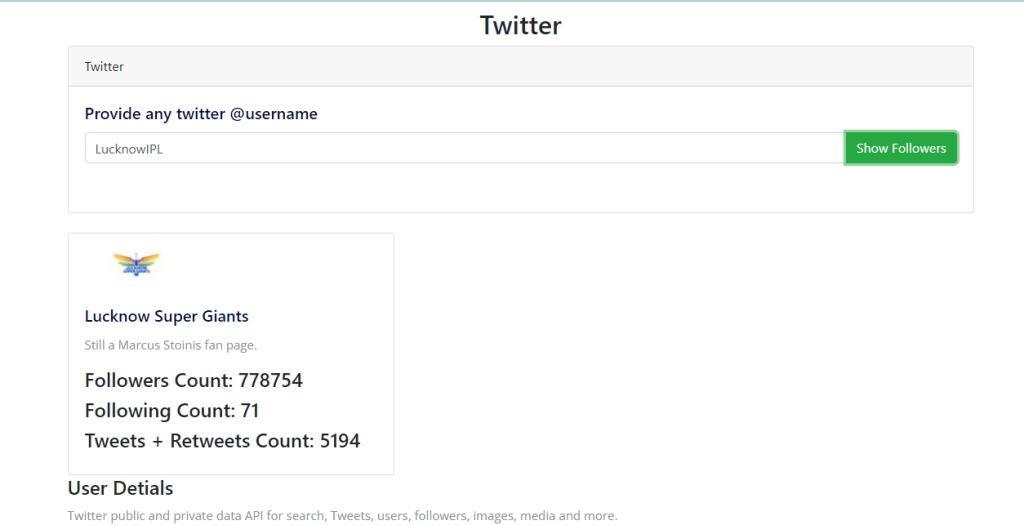
The function of the Twitter Data Count tool is to retrieve and present specific counts of various metrics related to a user’s Twitter account. These metrics include follower count, following count, and tweets + retweets count. By accessing these counts, users can gain a better understanding of their Twitter presence and engagement.One of the primary features of the Twitter Data Count tool is providing an accurate and real-time count of the number of followers a user has. This count represents the total number of Twitter users who have chosen to follow the user’s account. Monitoring follower count is crucial for assessing one’s reach and influence on the platform. It helps users measure their audience growth, identify patterns, and evaluate the success of their content strategy.
How Wizbrand‘s Twitter Data Count tool would help?
Wizbrand’s Twitter Data Count tool offers valuable insights into a user’s Twitter account by providing real-time counts of followers, following, and tweets + retweets. This information helps users measure their reach, evaluate engagement, and optimize their content strategy. With accurate data at their fingertips, users can make informed decisions to enhance their Twitter presence, engage with their audience effectively, and track the growth of their account over time, all within the convenience of Wizbrand’s user-friendly interface.
