In today’s digital age, electronic signatures have become an increasingly popular way of signing important documents. However, not all documents are created digitally, and some may require conversion to a PDF format before they can be electronically signed. This is where an E-Sign PDF converter comes in handy.
An E-Sign PDF converter is an online tool that allows users to convert various file formats into PDF files, which can then be signed electronically. These tools are typically user-friendly and require no technical expertise to use.
What is Function of E-Sign pdf tool
The function of an E-Sign PDF tool is to allow users to sign electronic documents securely and legally. This tool enables users to electronically sign PDF documents without the need for physical signatures, saving time and improving efficiency. It also provides advanced features to download your document in pdf format.
What are the feature of E-Sign pdf Tool
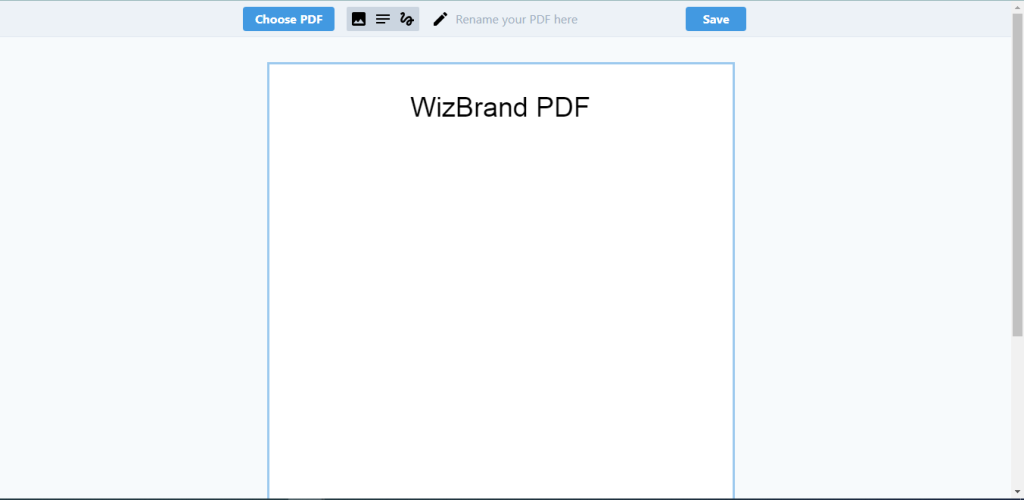
The E-Sign PDF tool offers several useful features for users who want to sign electronic documents. One of the key features is the ability to select a PDF file and add an electronic signature to it. This feature saves time and allows users to sign documents from anywhere.
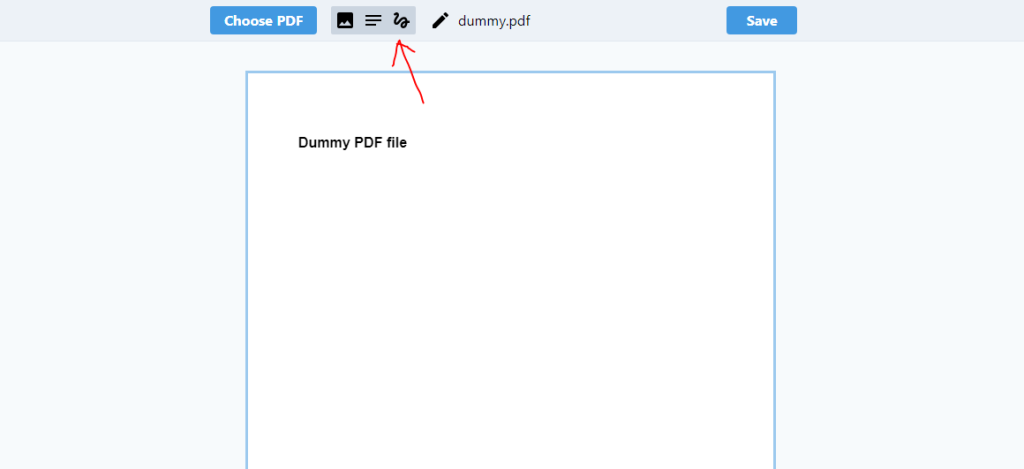
In addition to adding an electronic signature, users can also add text to their PDF files. They can choose the font style, size, and alignment of the text, making it easy to customize the document to their liking. This feature is especially useful for users who need to add additional information or notes to a document.

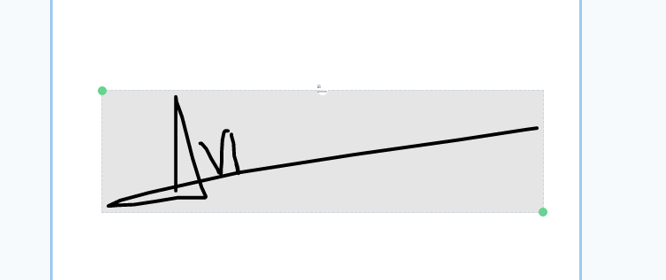
Another important feature of the E-Sign PDF tool is the ability to write an electronic signature directly on the document. This feature allows users to create a signature that looks like their actual signature, making it easier to verify their identity and ensuring the authenticity of the document.
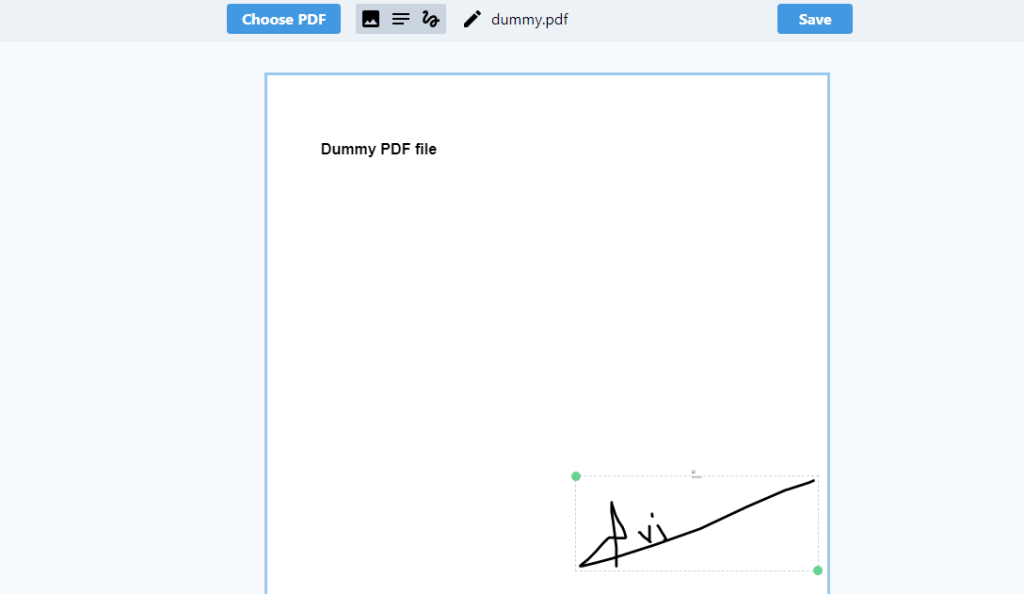
Overall, the E-Sign PDF tool offers a wide range of features that make it easy for users to sign and customize electronic documents. Its advanced security features ensure document integrity and authenticity, making it a reliable and efficient tool for businesses and individuals alike.
How Wizbrad’s E-Sign PDF tool would help?
Wizbrand’s E-Sign PDF tool is a powerful solution that helps users to sign and customize electronic documents. With the ability to add text and choose font styles, users can easily modify documents to their liking. Additionally, the tool allows users to create electronic signatures that look like their actual signature, providing enhanced security and document authenticity. These features make the tool a valuable asset for businesses and individuals looking to streamline workflows and improve document management.
These are useful links
