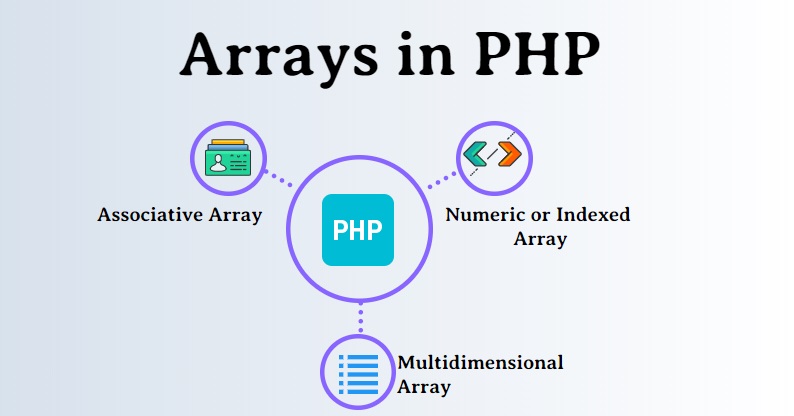
In PHP, an array serves as a versatile container for holding multiple values under a single variable name. Unlike scalar variables that store only one value at a time, arrays allow you to manage collections of data, accommodating various data types such as strings, integers, floats, or even other arrays. They provide a convenient means to organize and manipulate data efficiently within PHP applications.
How to Create an Array?
Indexed Arrays:
Indexed arrays in PHP utilize numeric indices to access elements. Here’s how you can initialize an indexed array:
Indexed Arrays:
Indexed arrays in PHP utilize numeric indices to access elements. Here’s how you can initialize an indexed array:
Code :
<?php
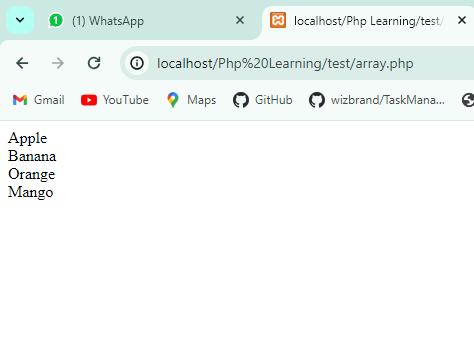
$fruits = array("Apple", "Banana", "Orange", "Mango");
foreach ($fruits as $fruit) {
    echo $fruit . "<br>";
}
?>
Output
Associative Arrays:
Associative arrays employ named keys to access elements. Here’s an example of creating an associative array:
Code:
<?php
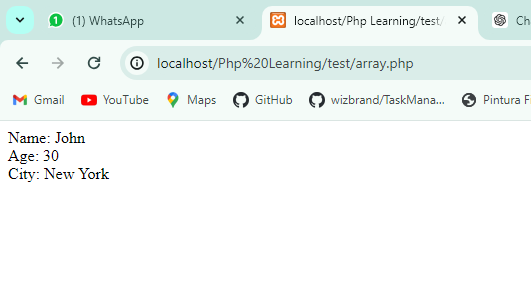
$person = array("name" => "John", "age" => 30, "city" => "New York");
echo "Name: " . $person['name'] . "<br>";
echo "Age: " . $person['age'] . "<br>";
echo "City: " . $person['city'] . "<br>";
?>
Output
Multidimensional Arrays:
Multidimensional arrays in PHP allow nesting arrays within arrays, creating a hierarchical structure. Here’s an illustration:
Code :
<?php

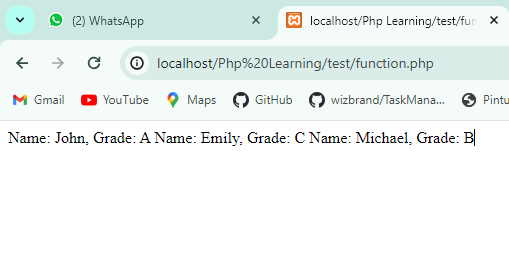
$students = array(
    array("name" => "John", "grade" => "A"),
    array("name" => "Emily", "grade" => "C"),
    array("name" => "Michael", "grade" => "B")
);

foreach ($students as $student) {
    echo "Name: " . $student['name'] . ", Grade: " . $student['grade'] . "\n";
}

?>
Accessing Array Elements
Array elements can be accessed using square brackets [] along with the index or key of the element. Indexing typically begins at 0 for indexed arrays. For instance:
Code :
<?php
$fruits = array("Apple", "Banana", "Orange");
$person = array("name" => "John", "age" => 30);
$students = array(
    array("name" => "Peter", "age" => 20),
    array("name" => "Emily", "age" => 22)
);

echo $fruits[0]; // Outputs: Apple
echo $person["name"]; // Outputs: John
echo $students[1]["name"]; // Outputs: Emily
?>
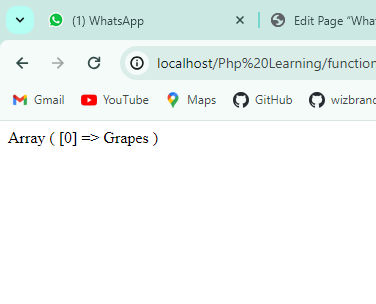
Adding Elements:
You can add elements to an array using various methods. For instance, to append an element to the end of an array:
<?php
$fruits[] = "Grapes";
print_r($fruits);
?>
Output :
Counting Elements
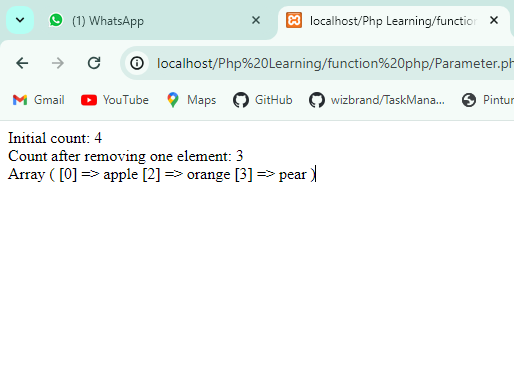
To determine the number of elements within an array, you can use the count() function.
Code :
<?php

$fruits = array("apple", "banana", "orange", "pear");

$count = count($fruits);
echo "Initial count: $count <br>";

unset($fruits[1]);

$count = count($fruits);
echo "Count after removing one element: $count <br>";

print_r($fruits);

?>
Output :
Removing Elements:
Removing elements from an array can be achieved using functions such as array_pop():
Code :
